


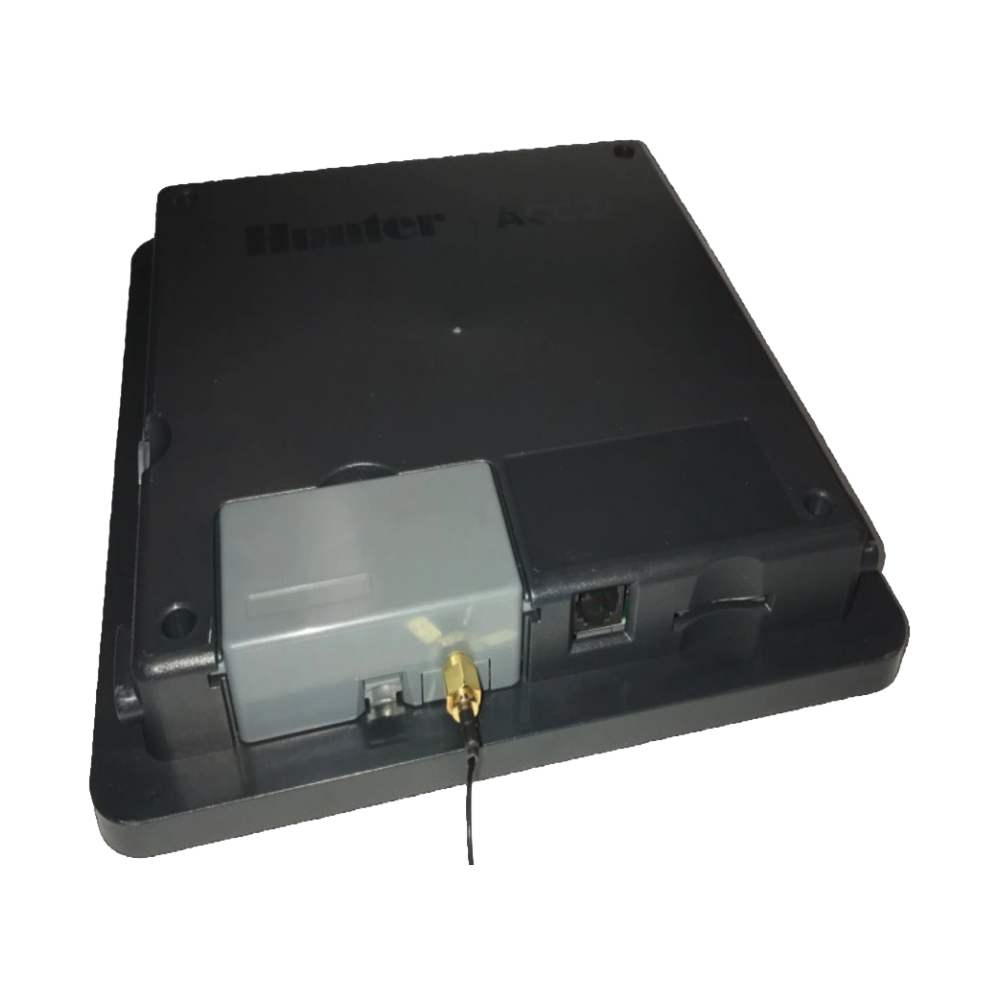
Hunter A2C-WIFI ACC2 Internal Wi-Fi Module for Centralus
Brand: Hunter
Save 27%
Original Price
$484.11
Current Price
$350.98
SKU A2C-WIFI
Bring web-based and mobile control to ACC2 controllers with the Hunter A2C-WIFI plug-in communication module. Designed for Centralus cloud management, this compact internal Wi‑Fi module provides remote scheduling, real-time system status, and simplified network setup for landscape irrigation systems.
- Centralus cloud connectivity: Seamless integration with Hunter’s Centralus platform for web and mobile access to controllers.
- Remote control and monitoring: View and adjust schedules, receive alerts, and monitor system status from any device.
- Real-time flow and diagnostics: Centralus-compatible reports show flow data, alerts, and system summaries to help manage water usage.
- Easy plug-in installation: Simple internal module that installs into the ACC2 communication slot—no complex wiring required. See the included installation guide for step‑by‑step instructions.
- Weather and sensor integration: Works with Centralus features like weather-based adjustments and Solar Sync integration for smarter watering.
This ACC2 Wi‑Fi communication module operates on standard 2.4 GHz Wi‑Fi networks and is built to integrate directly with Hunter ACC2 controllers and the Centralus software ecosystem. Reference the manufacturer’s installation document and Centralus setup steps before commissioning. UPC and manufacturing details are available on Hunter’s product page and spec sheet.